Clearing out my Laptop as a Developer - II
Recovering from my not so quick nap after my last blog, I realize I may have let my bias towards bloated dependency folders blind me and you know what, I admit I was misguided. I mean the poor guy only saved me 27.8 GB
With a calm mind and ed sheeran in the background, I can, with absolutely no confidence, promise you I will be shaving off at least a 100 GB this time
Easy Pickings
Saving Screenshots + 1 GB
I will be starting by turning off the ability to automatically save my screenshots.
Hear me out. Most of my screenshots - which is literally 99% of my “user-created” images - were things I only needed for a session. By the time I closed my laptop, I was done with it, and that’s anything from making a document to sending a quick message (yes I have whatsapp on my laptop)
With my discovery of “Windows + V”, cue the holy music

I almost never need a long term storage for my screenshots, accessing my clipboard is enough
Goodbye
 that’s a 1 GB/yr leak fixed haha
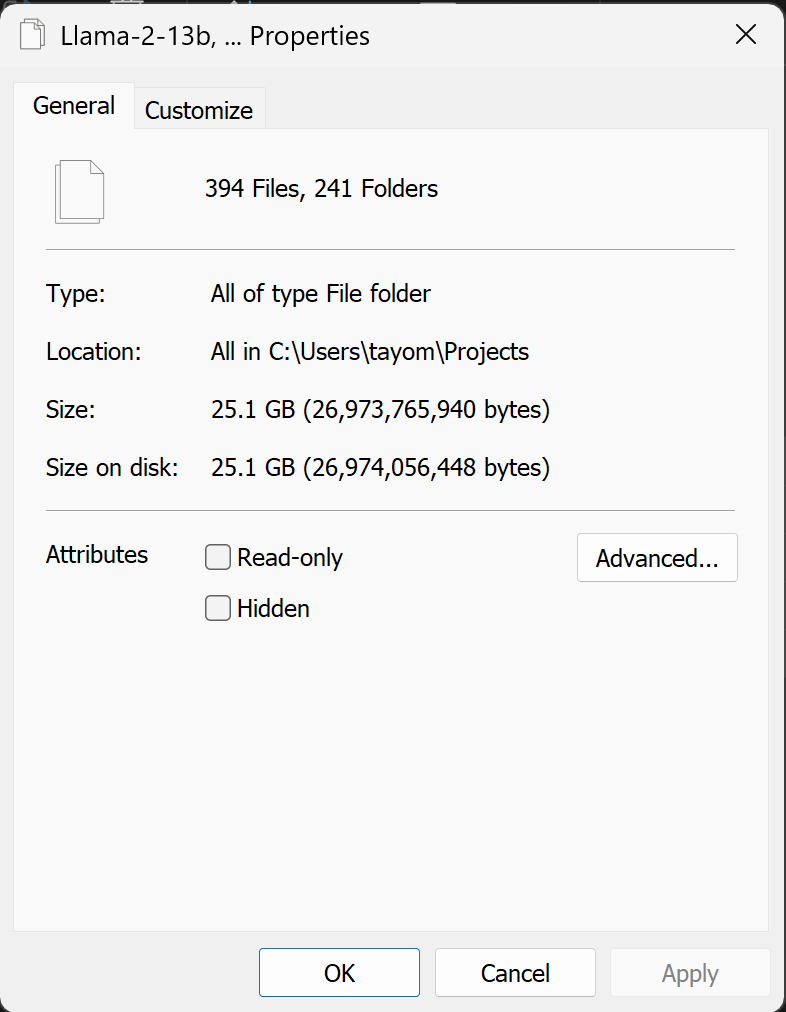
llama-2-13b + 58.6 GB
That’s right, the really really large language model I found could fit on my laptop. You won’t believe what happened next
Honestly, I have no excuse for this one, its been outdated for about 2 years now
Goodbye
WSL + 8.47 GB
I love Linux, and for the longest time, I’ve been hopping around from vm to vm, dealing with weird bugs that surprisingly enough, didn’t come from my scripts but the hypervisor
Then I discovered WSL and it was life-changing. I used it to create two Ubuntu instance and for a while now, that has been my sandbox for a lot of cool things I’ve worked on. And it works. But since then, I’ve gotten a raspberry pi, and it does everything my instances do and more
I’m sure there’ll be a time a pi won’t be enough, but considering creating a new Ubuntu instance is just a command away, it sadly makes the cut (don’t worry docker stays)
Goodbye
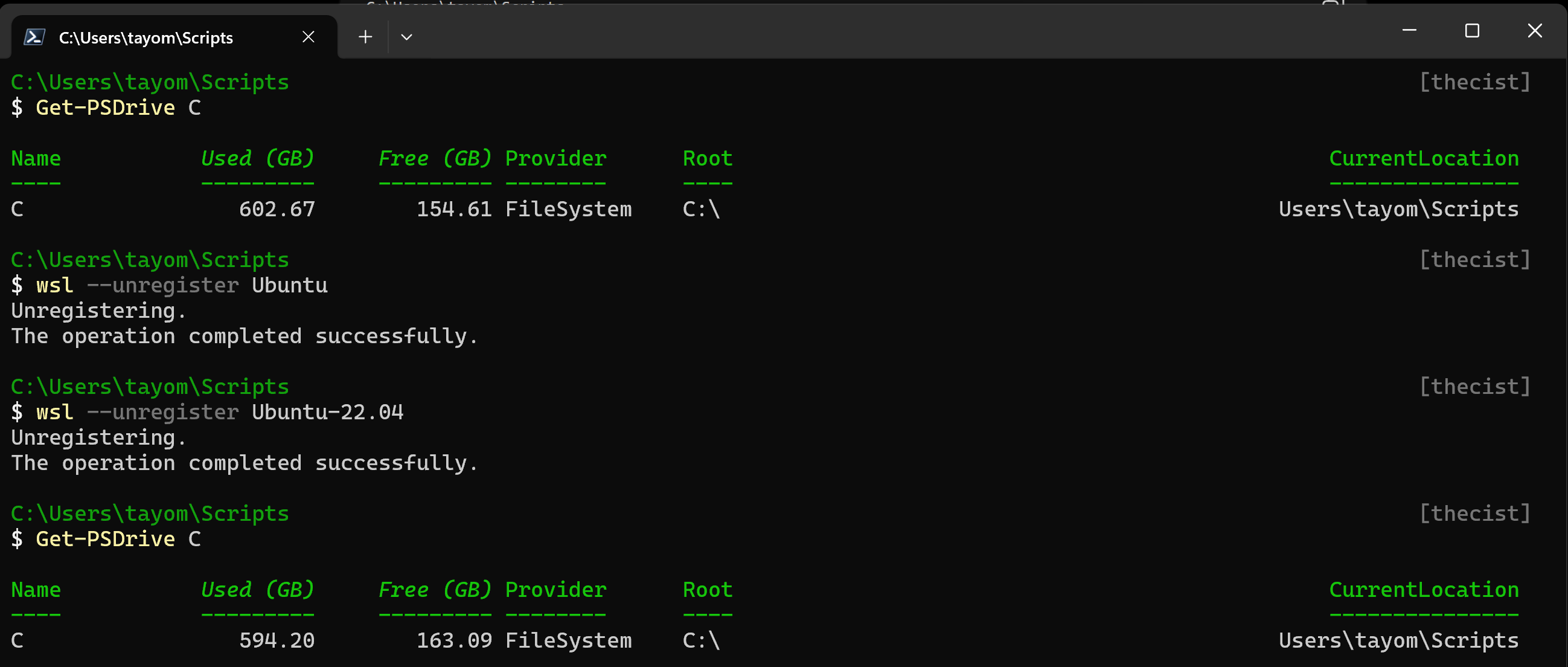
Note: I went through my folders using ls -la and backed up all
the data I needed before unregistering
Unallocated Space?? + 194.32 GB
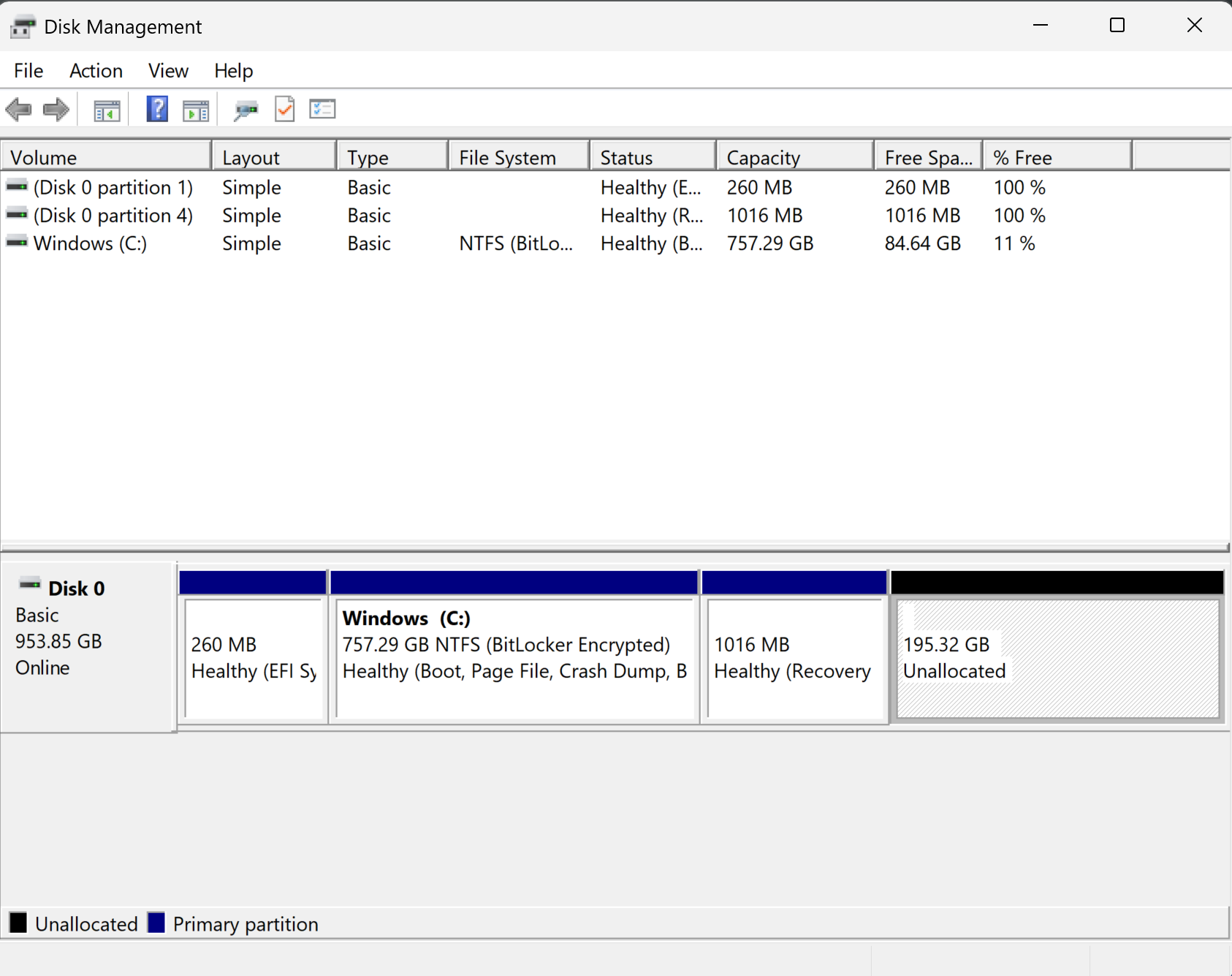
While my laptop was experiencing frequent crashes (mostly from windows updates tbf) and I was mastering the art of pre-typing, turns out, all this time, I had 195.32 GB of unallocated space on my disk…
 I’m tired
I did a bit of digging and since I have a recovery partition between my C drive
and unallocated space I have two options to claim the space
The first is creating a new drive, and the second is performing a really
dangerous procedure that temporarily deletes the recovery partition before
creating it back after the C drive claims the unused space
I thought about it a bit, and the only reason I’d need a new drive would be to
store a large important folder, and my only large important folder would be
Projects
But that leads to another problem. I have caches, packages, applications and
sdks installed on my C drive in various places. I’d either have to move them all
over to my new drive or deal with a disjointed dev environment. Also, most
applications use “C:/Users/<name> as their point of entry in Windows, so even if
I somehow fix the disjoint, there’ll always be a new package reminding me I’m
not on the C drive. It feels messy
Another option is using the unallocated space as a backup, but I could always carve out some space if I successfully complete the extension
I don’t know if I’m convincing myself into this, and it is really nerve-wracking, but I need those extra space and I’ve sat long enough on it to make it a tiny bit safer
Advice
I am using a script. A script that should hopefully, fingers crossed, reduce the nerve-wracking process to less than a second. I won’t be sharing the code as I can’t imagine giving anyone more confidence to do this. But if you resolve yourself to do this here’s some advice
- Backup your important files
- If you have disk encryption, get the recovery keys and disable the encryption before starting this process
- Make sure to write a script that walks you through the process without changing anything, before actually changing things
- Log every single line
- Watch this video ten times
- Remember to enable your disk encryption back if successfully
- Run it by a peer or AI please. You already have the code from the video, so you know what is meant to be where, if you are unsure if something is a hallucination stick to the video there
Remember, it is just as risky in that 1 second as it is working through the code manually. The script just reduces the chance of an external factor affecting the process
Here I go…
It worked!
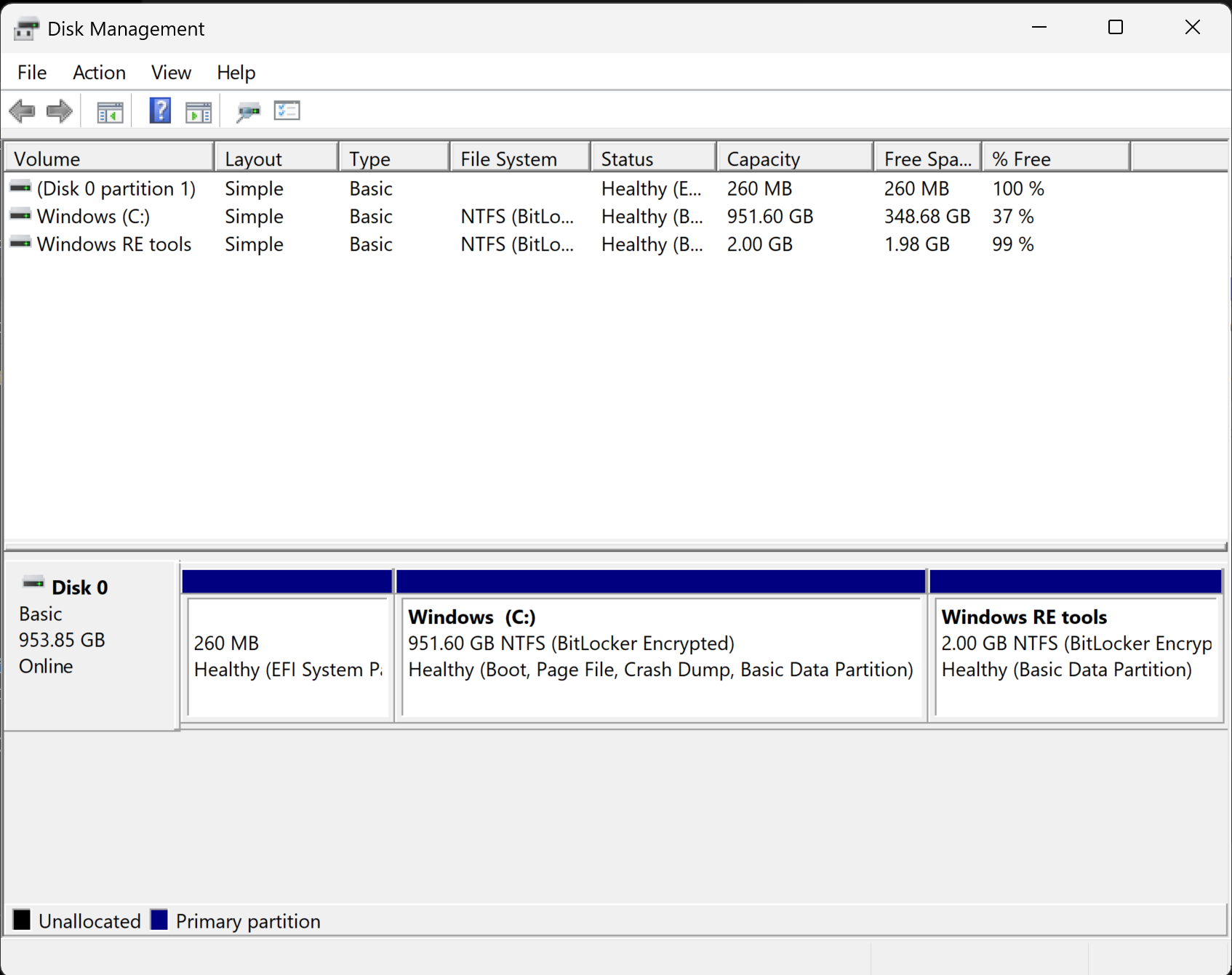
That is probably the most intense thing I have ever done.
But damn was it worth it
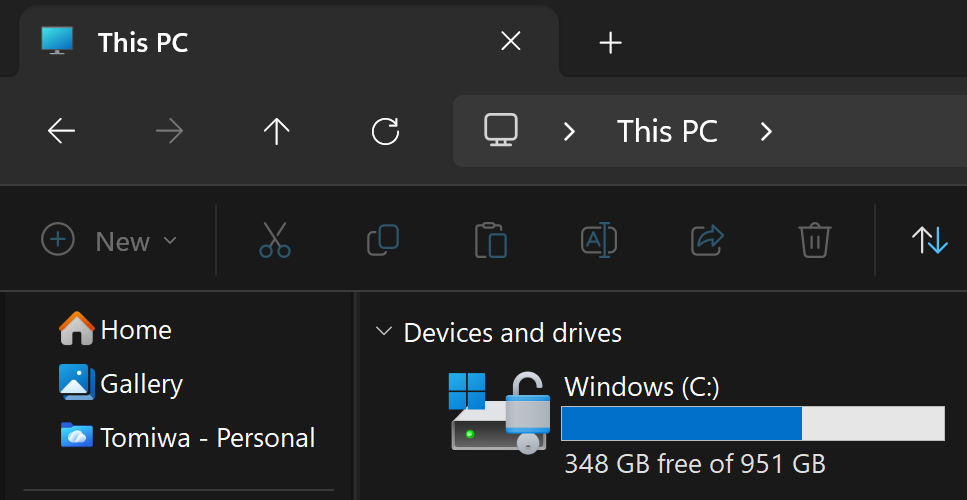
Clean Up + 27 GB
I did promise you guys 100 GB, and that was before I found out about the unallocated space, so here’s my last attempt at keeping the promise
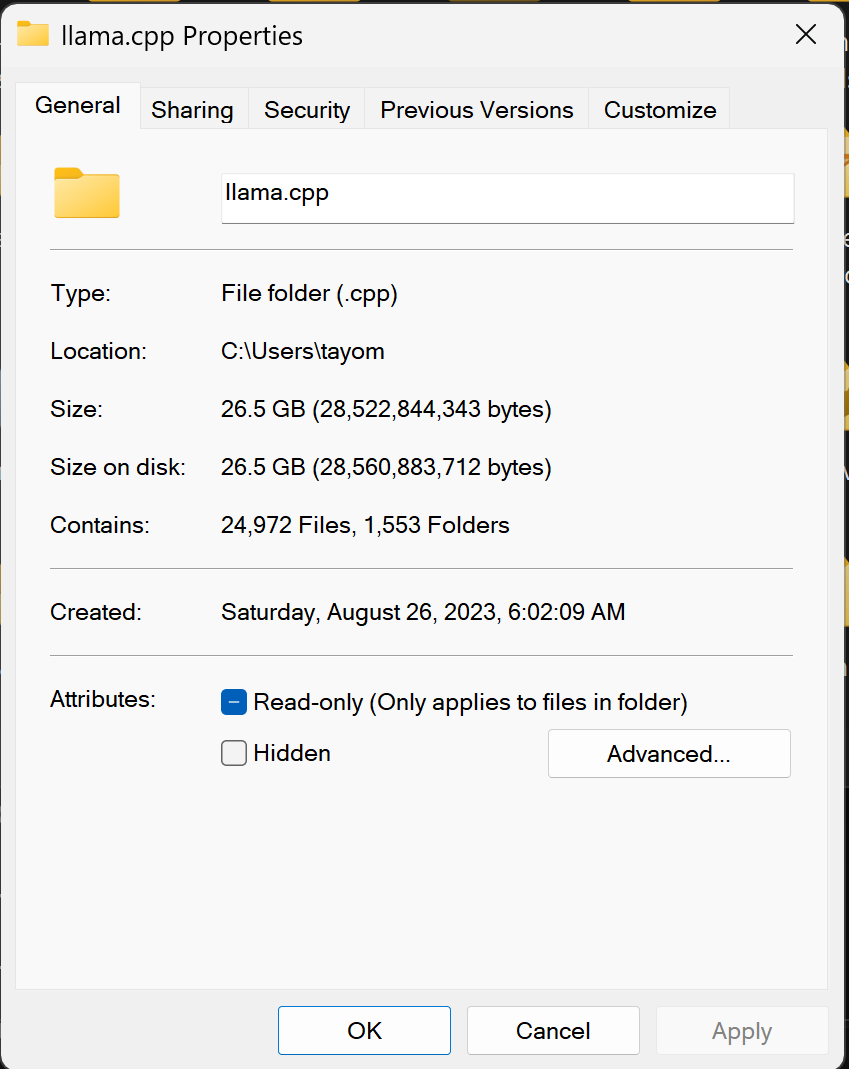
Currently we are at 69.98 GB. I think now is a good time to tell you all how storage works on the disk.
NFTS is Windows way of managing files. It holds records like folder path, file name, permissions of files and is also in charge of allocating clusters to a file.
Think of a cluster like an atom, you can definitely go smaller (protons, neutrons…) but as far as matter, or in this case memory is concerned, it is the smallest unit that can be assigned to a file ~ subtle foreshadowing ~
Now when a file is deleted, it is sent to the Recycle Bin. We will be taking
advantage of that later, but the more interesting part is what happens when the
file is deleted from the Recycle Bin
Its records are deleted from NFTS, but its data still exists on those clusters.
PS: That’s why you always flash your drive devs
Luckily fot us, as far as Windows is concerned, that space is available for use.
Walking back a step, that means deleting a file doesn’t unallocate its clusters, it
just redirects it to the Recycle Bin, so that’s where we are heading to next
Goodbye
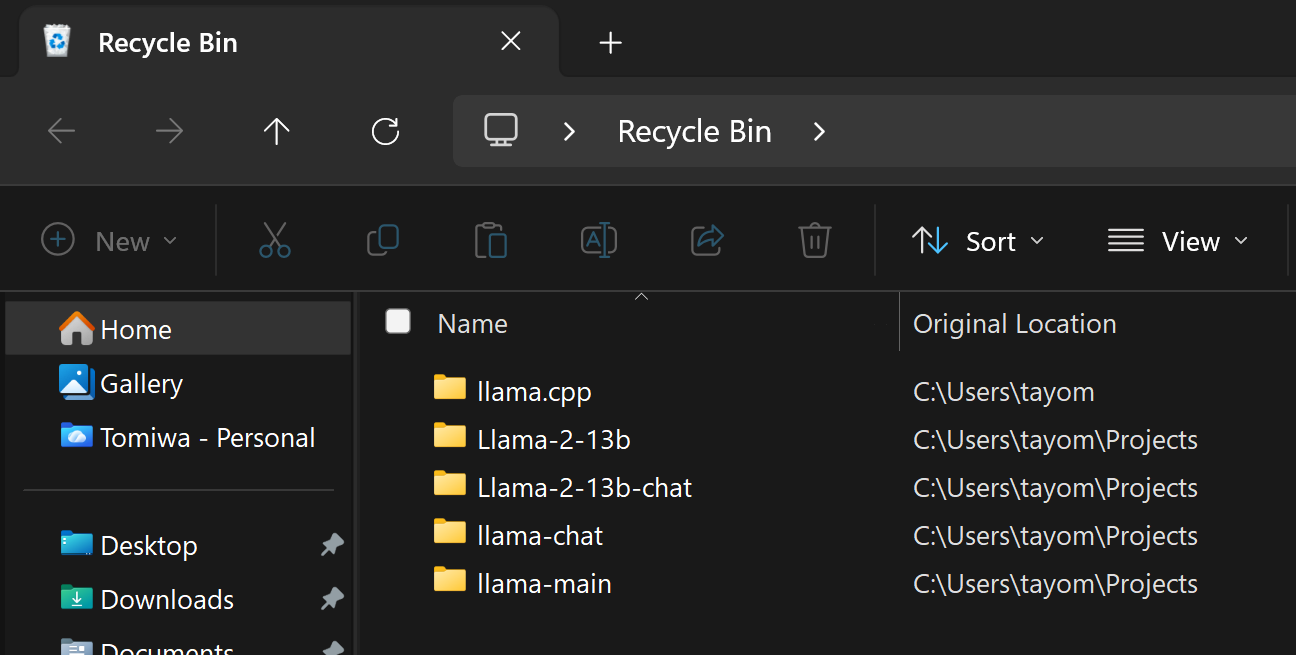
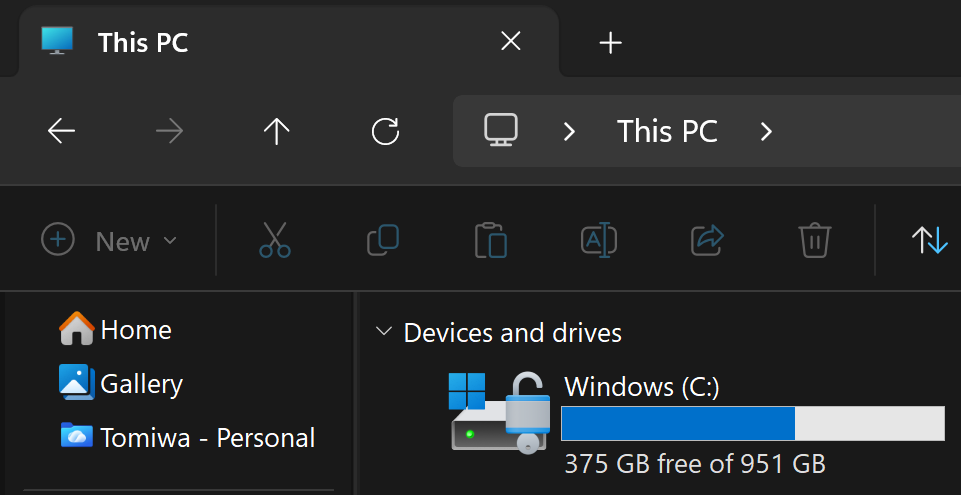
oof so close, we’re 3.02 GB from a hundred
Author’s Note
I’ll be honest, as much as I’d like to end on a perfect 100, I think it’s funnier ending just shy of one.
Future TheCist here. Do you know what would be even funnier? Exceeding a 100 without telling anyone how hahahahahahahaha

It’s 3:33 am, I think I deserve this
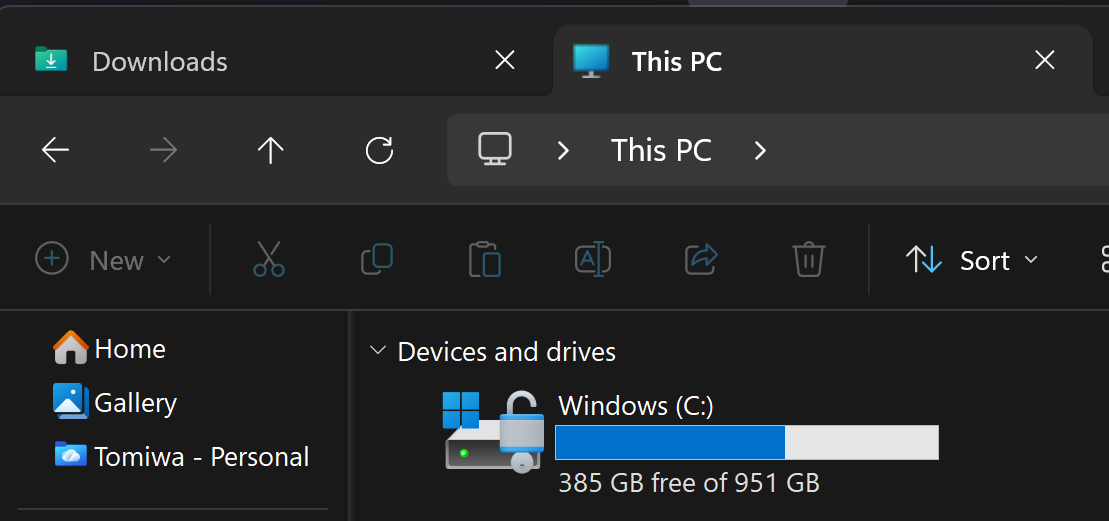
Total memory unallocated: 106.98 GB + 194.32 GB